Neko, a cat chasing the mouse with Go and Ebitengine
Every programmer should write at least one useless piece of software on purpose.
Useless here in the best sense. It serves no business, will never show up in a product meeting, and stands no chance of some manager asking for webhook integration. Even so, it forces you to deal with real problems. Screen, input, timing, sprites, sound, window, operating system. A toy like that teaches more about interactive software than a pile of CRUD apps dressed up as corporate demos.
That’s where Neko came from.
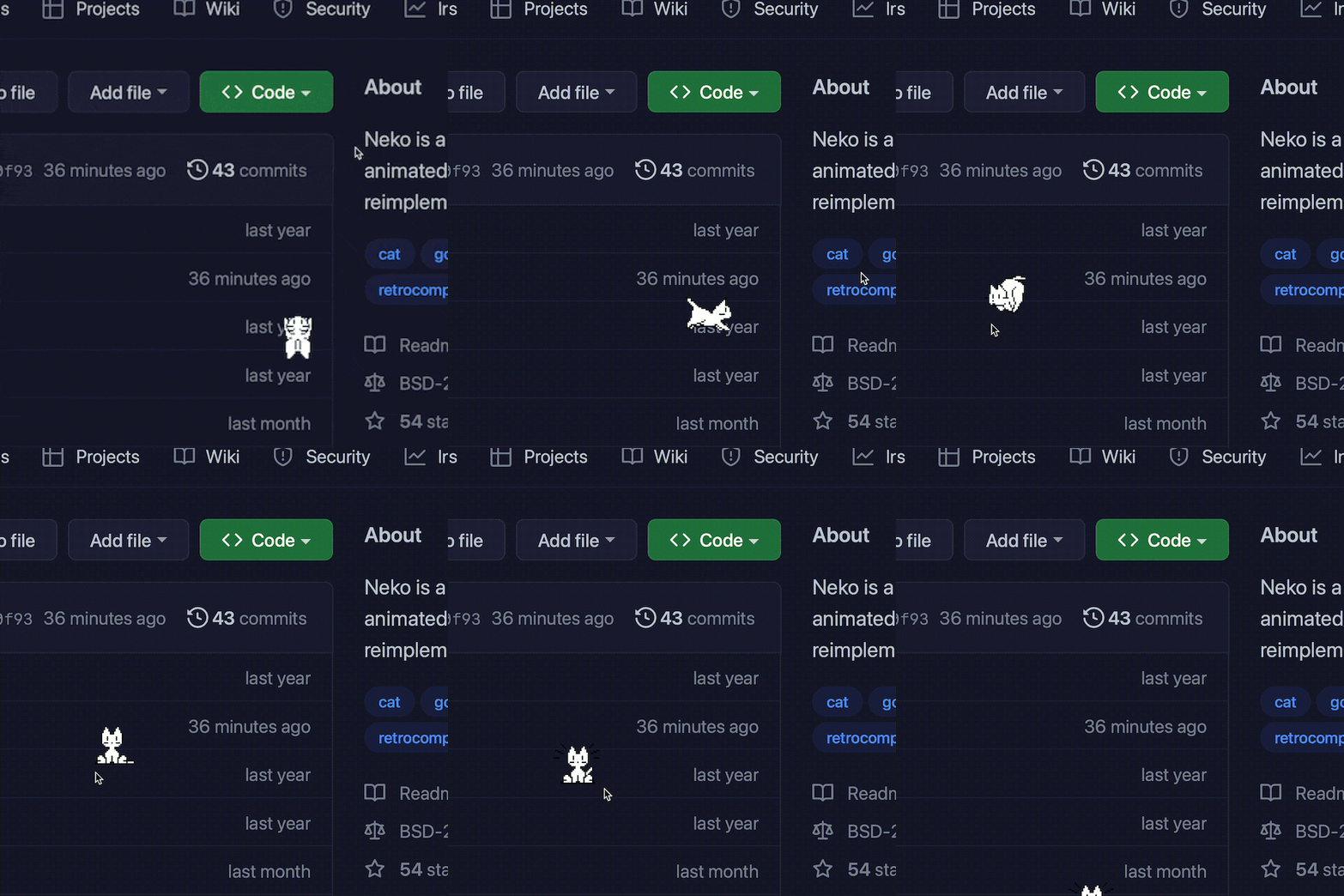
The original Neko is that cat that chases the mouse pointer. It’s an old program, from the late 1980s, ported to every platform under the sun. This version is a Go reimplementation. It has no relation to the original code, except for the sprites and sounds. That matters because the goal was never to build a code museum. The goal was to take a good, simple, honest idea and rewrite it from scratch.
Why do this
Because this kind of project is a much more honest test for a language and a graphics library.
If you want to sell a stack, it’s easy to put together yet another HTTP server, yet another database client, and yet another CLI that prints JSON. Every ecosystem does that. What sets things apart is when you need to draw a transparent window, keep the animation smooth, play audio without stuttering, follow the cursor, and still pull it off without turning the project into a grotesque pile of dependencies.
Neko is exactly the right size. Small enough to be fun. Annoying enough to expose the parts that really matter.
Choosing Go
A lot of people look at Go and immediately think servers, APIs, queues, proxies, observability, and the whole serious-software package. That’s true, but incomplete.
Go also works very well for small, direct programs with a simple binary to distribute. The language stays out of the way. That matters quite a bit in a project like this, where the visual behavior is the interesting part and the code needs to stay small.
In the repo, go.mod is already on Go 1.26 and the project uses Ebitengine. It was the right call. Ebitengine is simple, direct, and has an API that doesn’t try to look smarter than the programmer. For this kind of software, that’s enough.
How Neko works under the hood
What I like most here is that the implementation doesn’t fake sophistication. It does what’s needed.
- Sprites and sounds are embedded in the binary with
embed.FS. - The window is small, transparent, undecorated, floating, and doesn’t even show up in the taskbar.
- The cat picks one of eight directions based on the angle between its current position and the cursor.
- When idle, it enters a small state machine with animations for waking, scratching, washing, yawning, and sleeping.
- The audio even gets a small warm-up at startup to avoid latency on the first playback. That kind of detail is the sort of scar I like to see in real code.
The code also makes sure the cat doesn’t escape off the side of the screen or wander off to another monitor. That sounds like a silly detail until it isn’t. Desktop software lives on these annoying details.
Transparent window, no nonsense
One of the coolest parts of Neko is that it uses Ebitengine to create exactly the window this program needs and nothing more.
No decoration. Always on top. Transparent. Running even when unfocused. Off the taskbar.
That gives the program the right feel of “a creature wandering across the desktop” instead of looking like an app trapped inside a generic operating-system box. That kind of care completely changes the final result.
There’s also a mouse passthrough option, which is the right choice. A desktop cat has no right to interfere with the user’s clicks.
How to run
The simplest way is this:
export CGO_ENABLED=1
go run main.go
Or compiling first:
export CGO_ENABLED=1
go build -o neko main.go
./neko
The main options are:
-mousepassthroughso the cat doesn’t intercept the mouse.-quietto turn sound off.-scaleto change the size.-speedto adjust the speed.
So if you want a bigger, faster cat:
neko -scale 3 -speed 4 -mousepassthrough
The code also leaves room for environment-variable configuration with the NEKO prefix and a neko.ini file. That’s useful because this kind of program tends to end up in a startup script, a graphical session, or some personal automation.
What I find most interesting about this project
Most “simple graphical application” examples are bureaucratic to the bone. A boring window, a boring button, a boring counter. All correct and all dead.
Neko goes the other way. It’s small, but it has personality. You glance at it and understand the program in two seconds. Better yet: the code matches that clarity.
That’s the kind of project I like to see in a language. Not because it’s big or important. Precisely because it isn’t. A small project makes it very clear whether the technical foundation is solid or whether everything is being held up by too much abstraction.